# How do you modernise an old cut-and-paste JavaScript script?
Source: https://codelifter.com/forum/posts/how-do-you-modernise-an-old-cut-and-paste-javascript-script/
Site: CodeLifter Forum, category Script Shelf
Published: 2026-11-28. Updated: 2026-11-28. Replies: 1.
## Question by CodeLifter editors (staff), 2026-11-28
To modernise an old cut-and-paste JavaScript script, move it into its own file loaded with `defer`, replace inline `onclick` and `onload` attributes with `addEventListener`, swap `var` for `const` or `let`, replace `document.write()` and string HTML with DOM methods, and turn on strict mode. Then test it with the keyboard and the console open.
## Is it worth modernising, or should you replace it?
Decide that first, because the work differs. If the browser now does the job itself (an email checker, a favicon script, a scrollbar colour), replace the script with the HTML or CSS feature. If the job was the problem (popups on load, right-click blocking, resizing the window), delete it. The [thread on whether old scripts still work](/forum/posts/do-old-cut-and-paste-scripts-still-work-in-current-browsers/) has a table of those cases and a ten-minute test. Modernise only what is left: short scripts that still do something useful, such as a quote rotator or a slideshow.
## What does a typical old script look like?
Here is a small example written for this answer, in the style of early tutorial sites:
```html
```
It works, but it mixes markup and code, puts `quotes` and `showQuote` on the global object where any other script can overwrite them, writes HTML from a string, and relies on an attribute on `` that only one script can own.
## The steps, in order
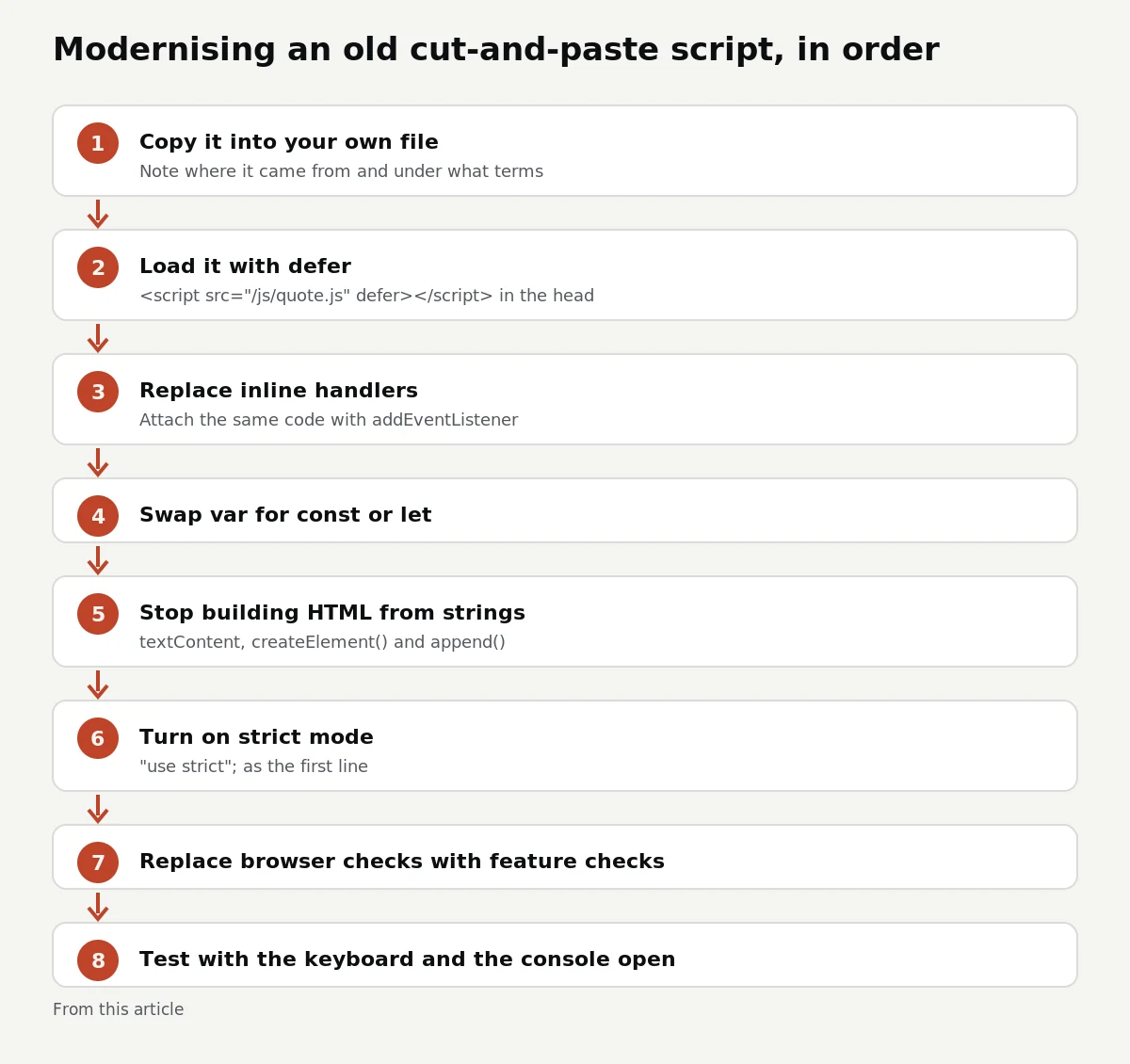
1. **Copy it into your own file.** Save the code as, say, `js/quote.js`, and note where it came from and under what terms; the [thread on pasting scripts from old tutorial sites](/forum/posts/is-it-safe-to-paste-a-script-from-an-old-tutorial-site/) covers the licence and provenance side.
2. **Load it with `defer`.** Replace the inline block with `` in the ``. MDN's [script element reference](https://developer.mozilla.org/en-US/docs/Web/HTML/Reference/Elements/script) says `defer` makes the script run "after the document has been parsed, but before firing `DOMContentLoaded`", and that deferred scripts run in the order they appear. The elements your script looks up already exist when it runs, so `` is no longer needed. The `language` attribute can go too; MDN lists it as deprecated, with values that "were never standardized."
3. **Replace inline handlers.** Remove `onclick="..."`, `onmouseover="..."` and `onload="..."` from the markup and attach the same code with `addEventListener`. MDN's [addEventListener page](https://developer.mozilla.org/en-US/docs/Web/API/EventTarget/addEventListener) calls it "the recommended way to register an event listener" and lists the main benefit for pasted code: "It allows adding more than one handler for an event", so two scripts no longer fight over one attribute.
4. **Swap `var` for `const` or `let`.** Use `const` for anything never reassigned and `let` for the rest. MDN's [let reference](https://developer.mozilla.org/en-US/docs/Web/JavaScript/Reference/Statements/let) notes that `let` declarations "do not create properties on `globalThis`" at the top level of a script, so they stop leaking into the global object.
5. **Stop building HTML from strings.** Replace `innerHTML = "" + text + "
"` and any `document.write()` with `textContent`, `document.createElement()` and `append()`. MDN's [append() page](https://developer.mozilla.org/en-US/docs/Web/API/Element/append) says strings passed to it "are inserted as equivalent Text nodes", so text stays text. The [innerHTML thread](/forum/posts/how-do-i-stop-a-coding-assistant-from-using-innerhtml/) explains why this matters.
6. **Turn on strict mode.** Add `"use strict";` as the first line of the file. MDN's [strict mode page](https://developer.mozilla.org/en-US/docs/Web/JavaScript/Reference/Strict_mode) says it "makes it impossible to accidentally create global variables": a mistyped name in an assignment now throws an error instead of quietly creating a new global.
7. **Replace browser checks with feature checks.** Delete any branch on the browser's name and test for the method you need instead. MDN's [feature detection guide](https://developer.mozilla.org/en-US/docs/Learn_web_development/Extensions/Testing/Feature_detection) calls browser sniffing "a terrible practice that should be discouraged at all costs."
8. **Test with the keyboard and the console open.** Tab to every control, press Enter and Space, and read every console warning.
## The same script, modernised
```html
```
```js
"use strict";
const quotes = ["Measure twice.", "Ship small.", "Read the error."];
const target = document.getElementById("quote");
if (target) {
const p = document.createElement("p");
p.textContent = quotes[Math.floor(Math.random() * quotes.length)];
target.append(p);
}
```
The `if (target)` check matters. MDN's [getElementById page](https://developer.mozilla.org/en-US/docs/Web/API/Document/getElementById) says it returns `null` when no element has that id, and the id is case-sensitive, so a page without the box no longer throws an error.
## Old pattern, modern replacement
| Old pattern | Replace with | Why |
| --- | --- | --- |
| `` | `defer` on the script tag | Elements exist when the script runs; no attribute to share |
| `onclick="doThing()"` in markup | `el.addEventListener("click", doThing)` | Several handlers can coexist; markup stays markup |
| `var` at top level | `const` or `let` | No properties added to the global object |
| `innerHTML` or `document.write()` with text | `textContent`, `createElement`, `append` | Text is never parsed as HTML |
| `if (navigator.appName == ...)` | `if ("showModal" in dialog)` style checks | Tests what you need, not who the browser claims to be |
| `